Showcases / Websites Websites: Real Canva to PSD conversion examples Compare real Canva templates with their converted PSD files. Inspect dimensions, layer counts, editable text and full-resolution conversion results.
Filter showcases by design typeWebsites All Social posts Posters Branding Facebook Posts Flyers Your Stories Websites Presentations Landscape Videos Logos Instagram Posts Docs Invitations Cards Notepads Photo Collages Letterheads Business Cards Calendars Rounded Business Cards Certificates Desktop Wallpapers Invoices Planners Letters Reports Whiteboard Page 1
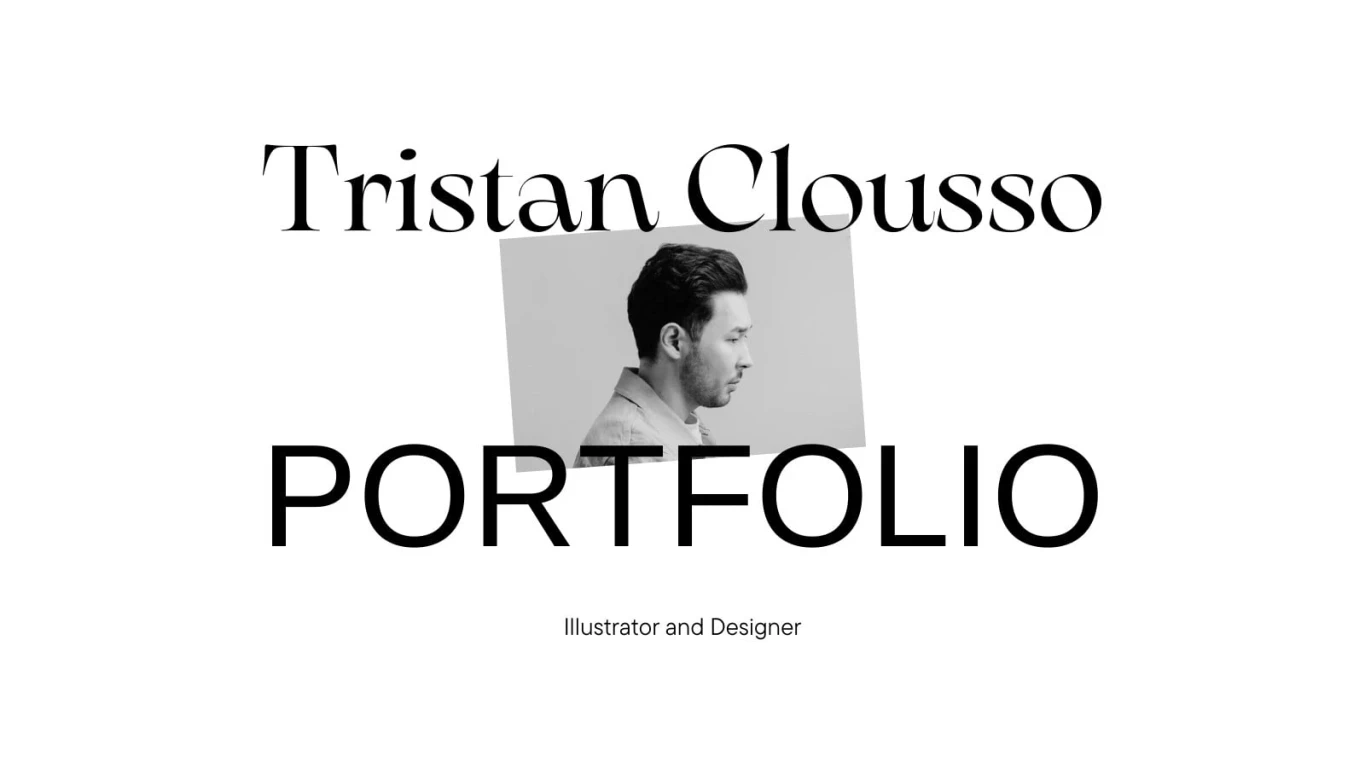
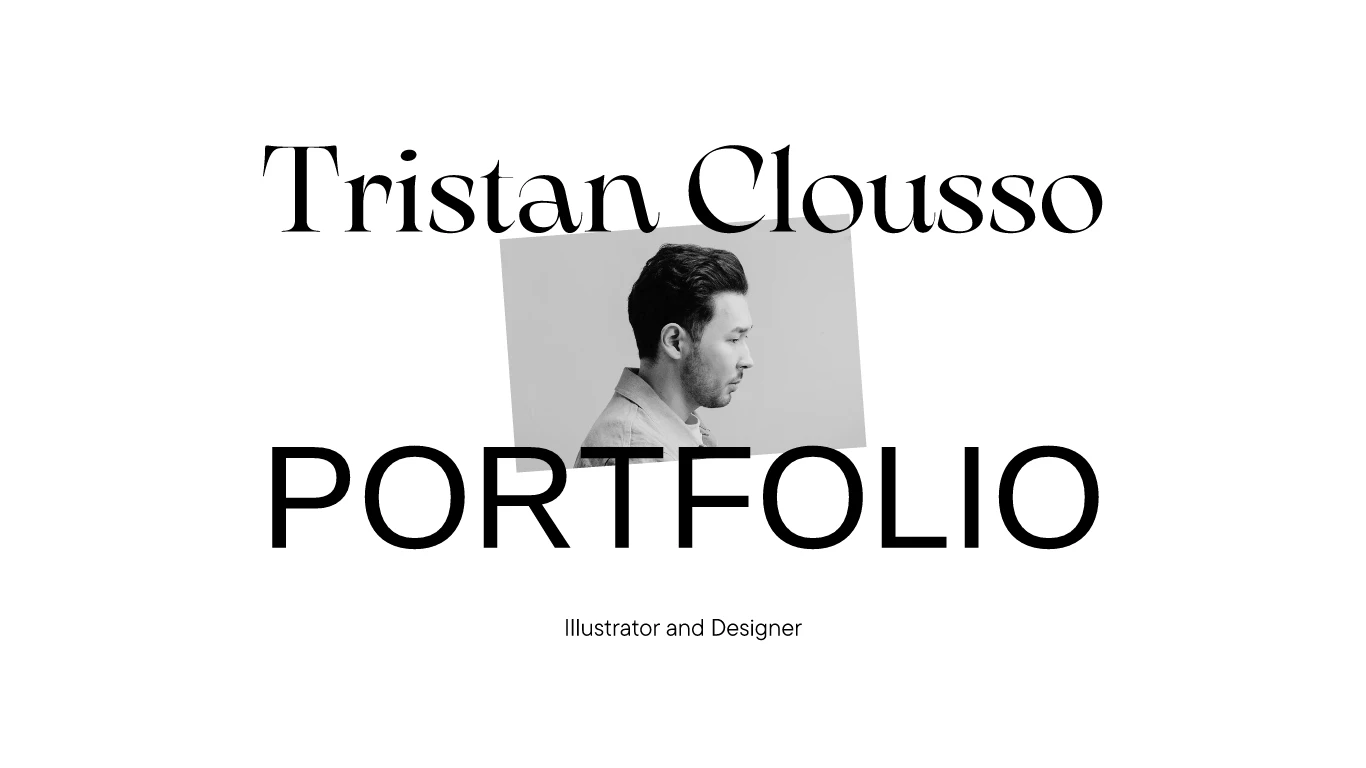
Design - Illustration Portfolio Website in White Black Light Experimental Style — 1366 × 768 px Canva to PSD conversion. 6 layers, 3 editable text layers. Page 1.
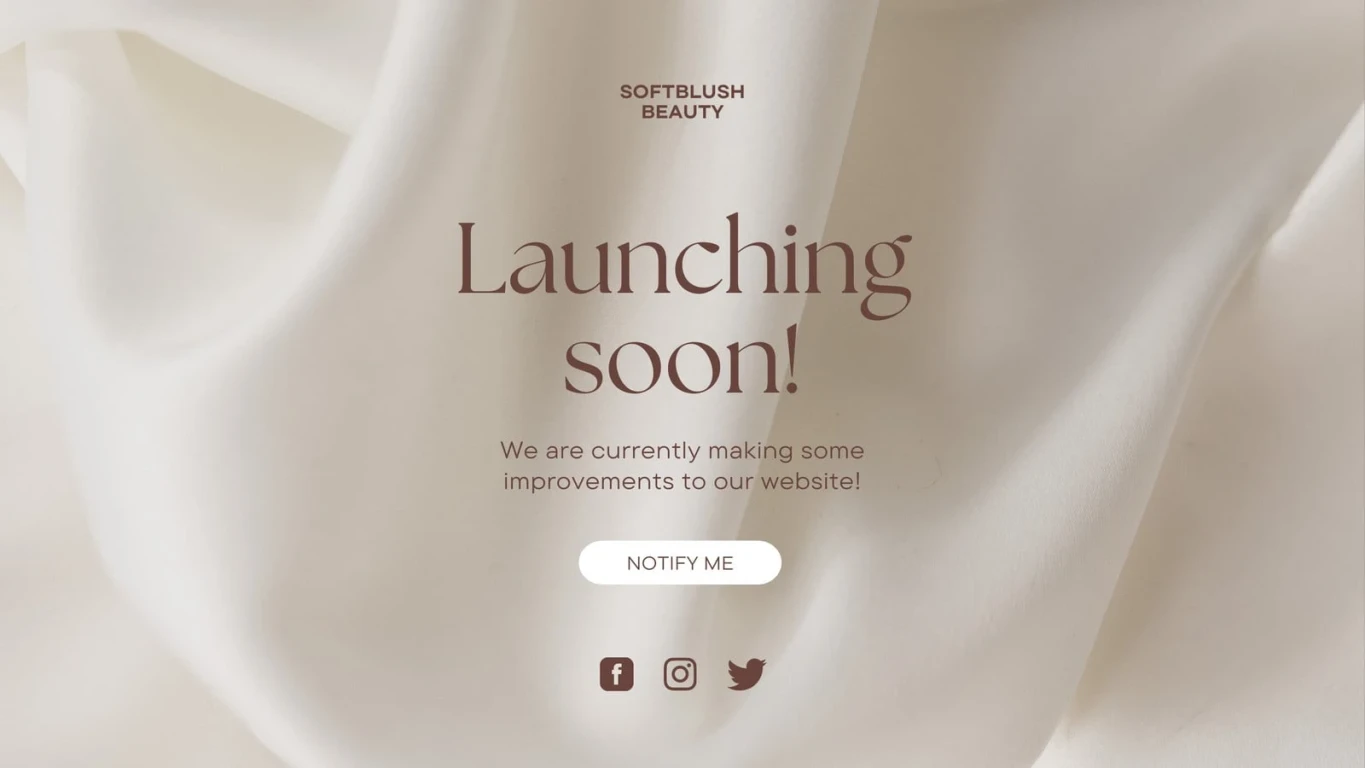
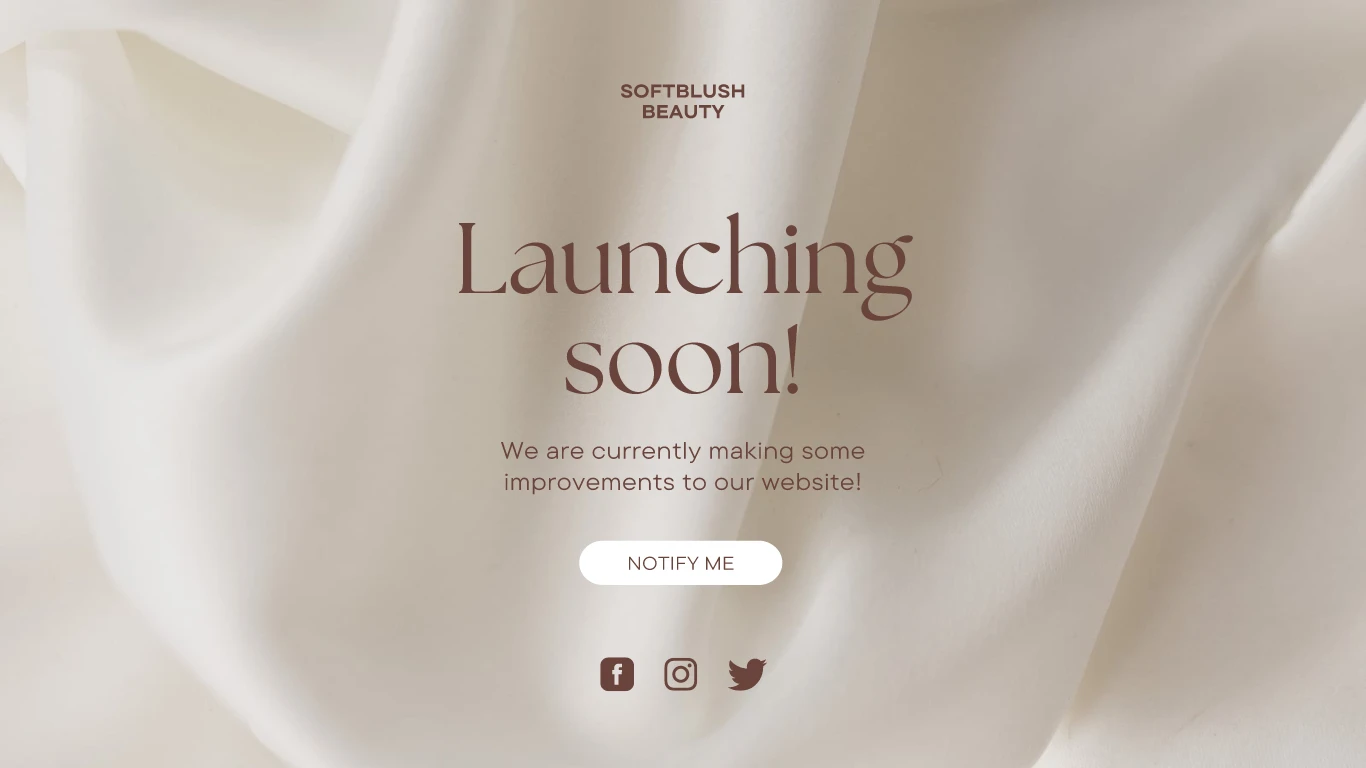
Explore the converted layers → Cream and Brown Photographic Beauty Site Launch Website — 1366 × 768 px Canva to PSD conversion. 14 layers, 4 editable text layers. Page 1.
Explore the converted layers → Human Resources Resume Website in Beige Black Simple and Minimal Style — 1366 × 6912 px Canva to PSD conversion. 131 layers, 69 editable text layers. Page 1.
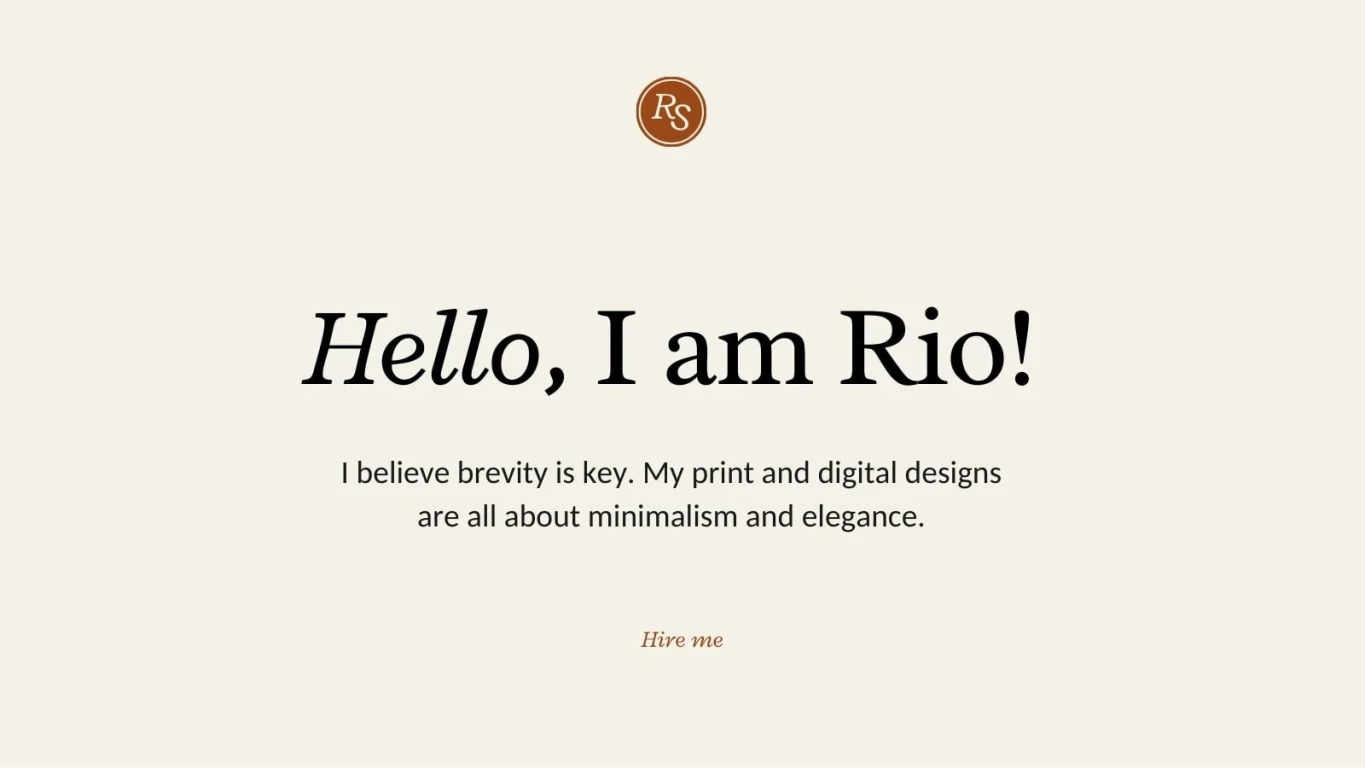
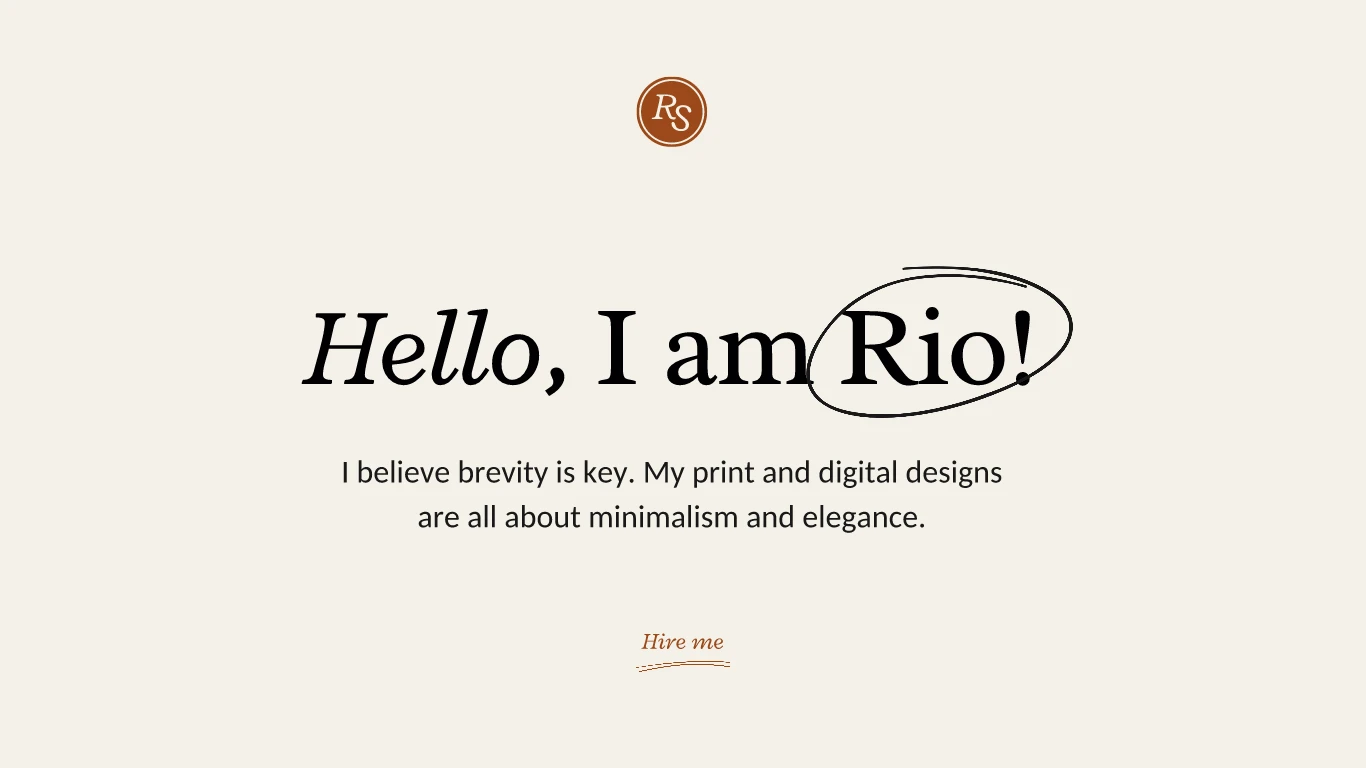
Explore the converted layers → Brand Designer Portfolio Website in Beige Black Bronze Warm Classic Style — 1366 × 768 px Canva to PSD conversion. 11 layers, 5 editable text layers. Page 1.
Explore the converted layers → View Canva template ↗
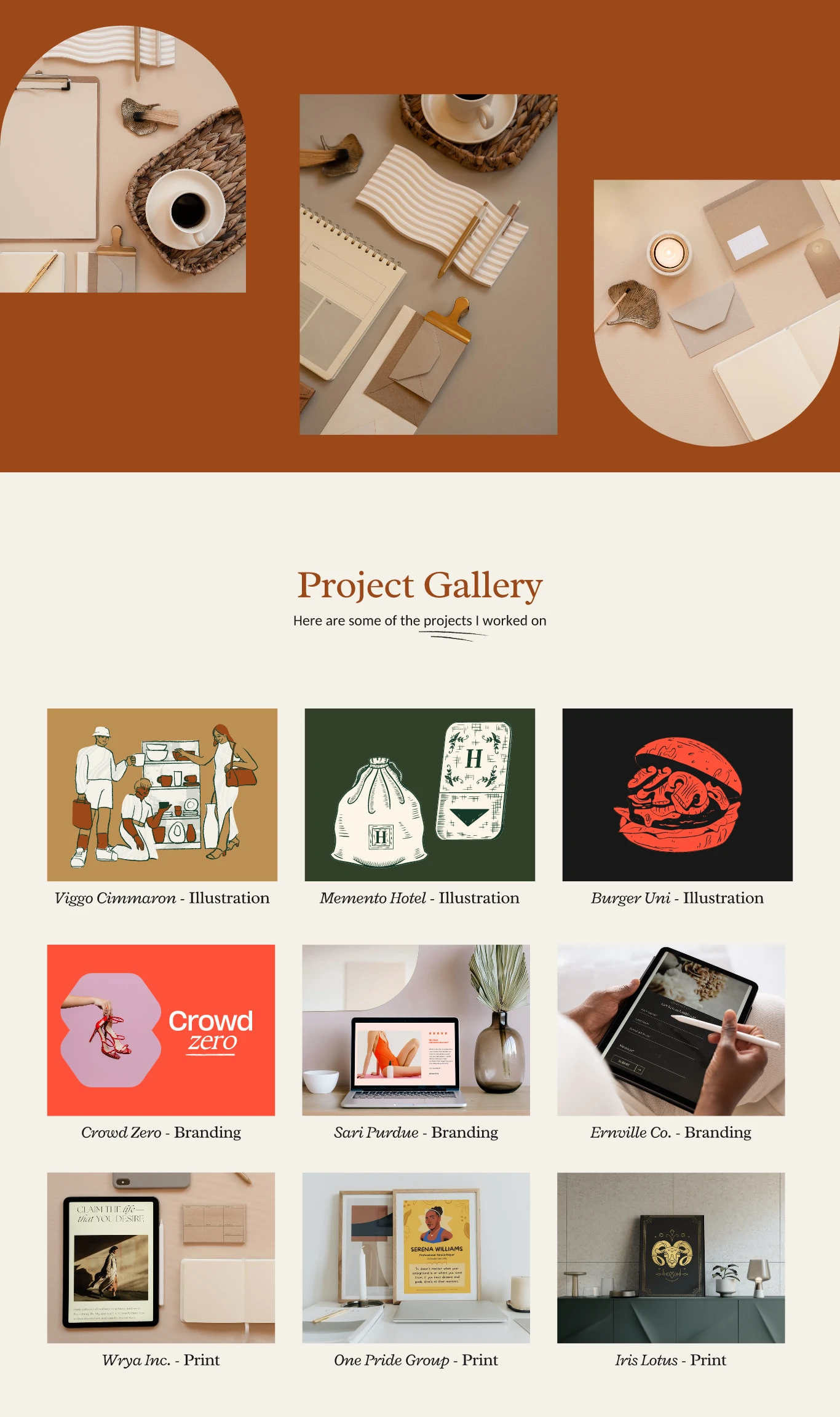
Brand Designer Portfolio Website in Beige Black Bronze Warm Classic Style — 1366 × 2304 px Canva to PSD conversion. 49 layers, 13 editable text layers. Page 3.
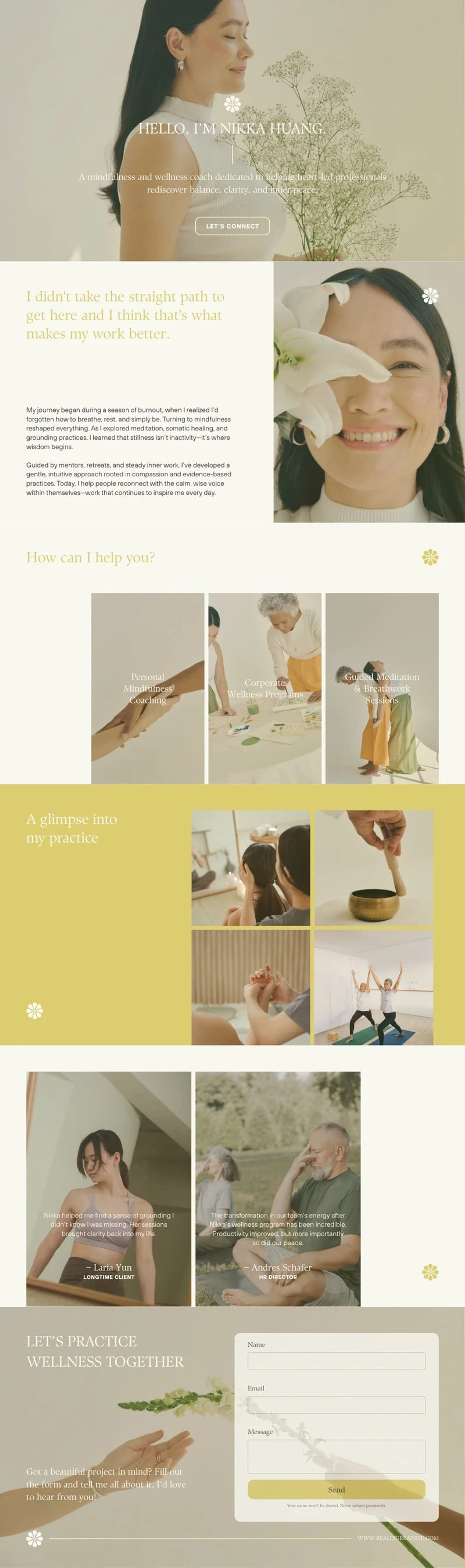
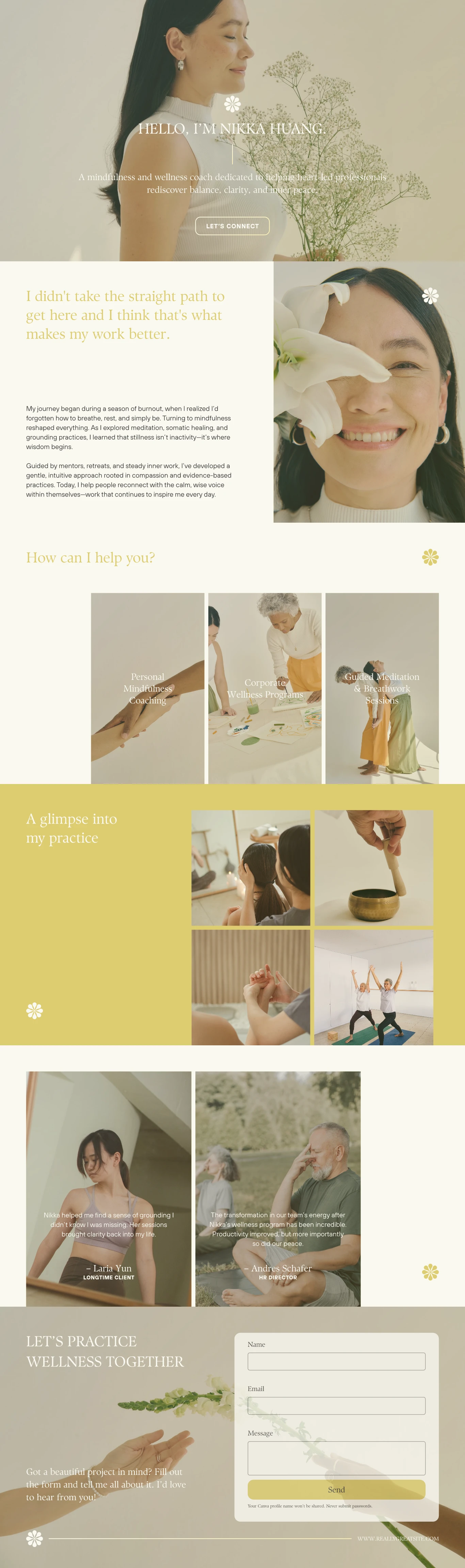
Explore the converted layers → About Me Website in Cream Mustard Clean & Soft Style — 1366 × 4608 px Canva to PSD conversion. 75 layers, 24 editable text layers. Page 1.
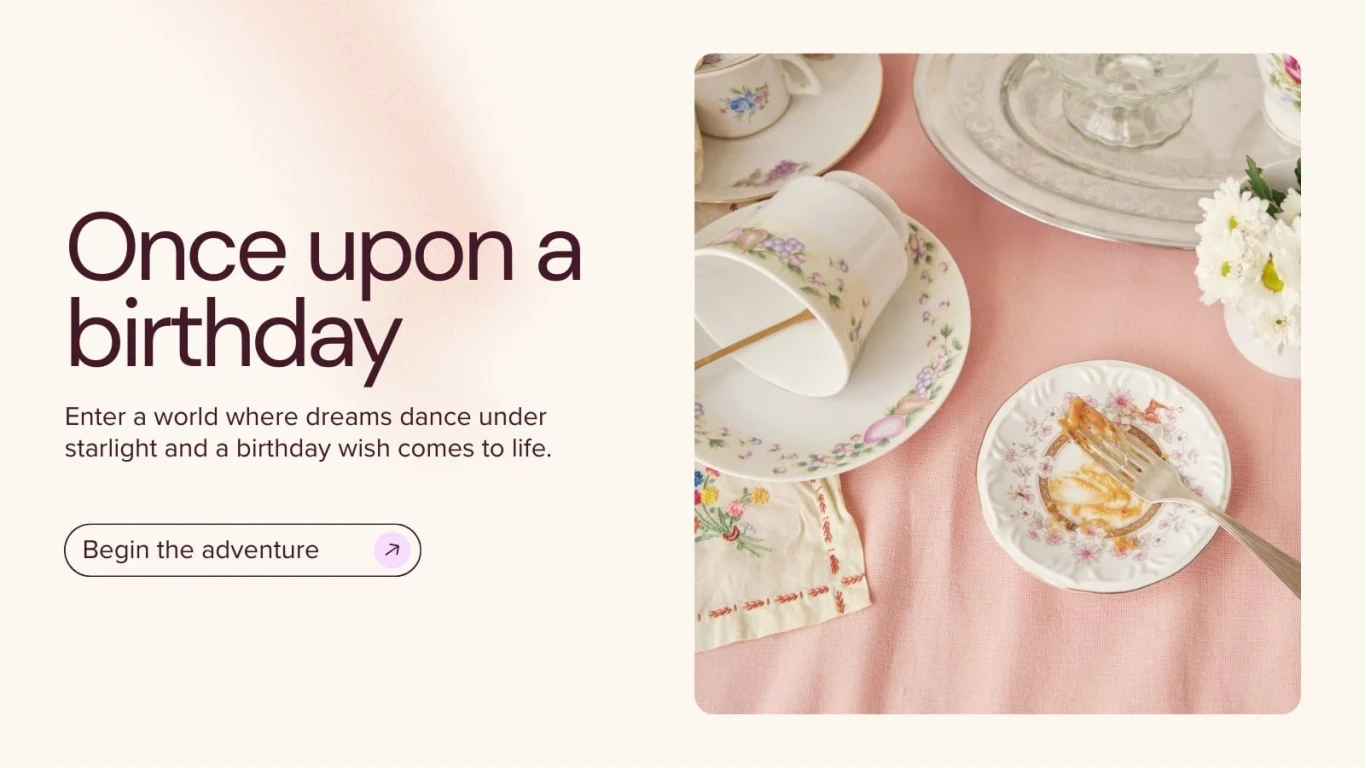
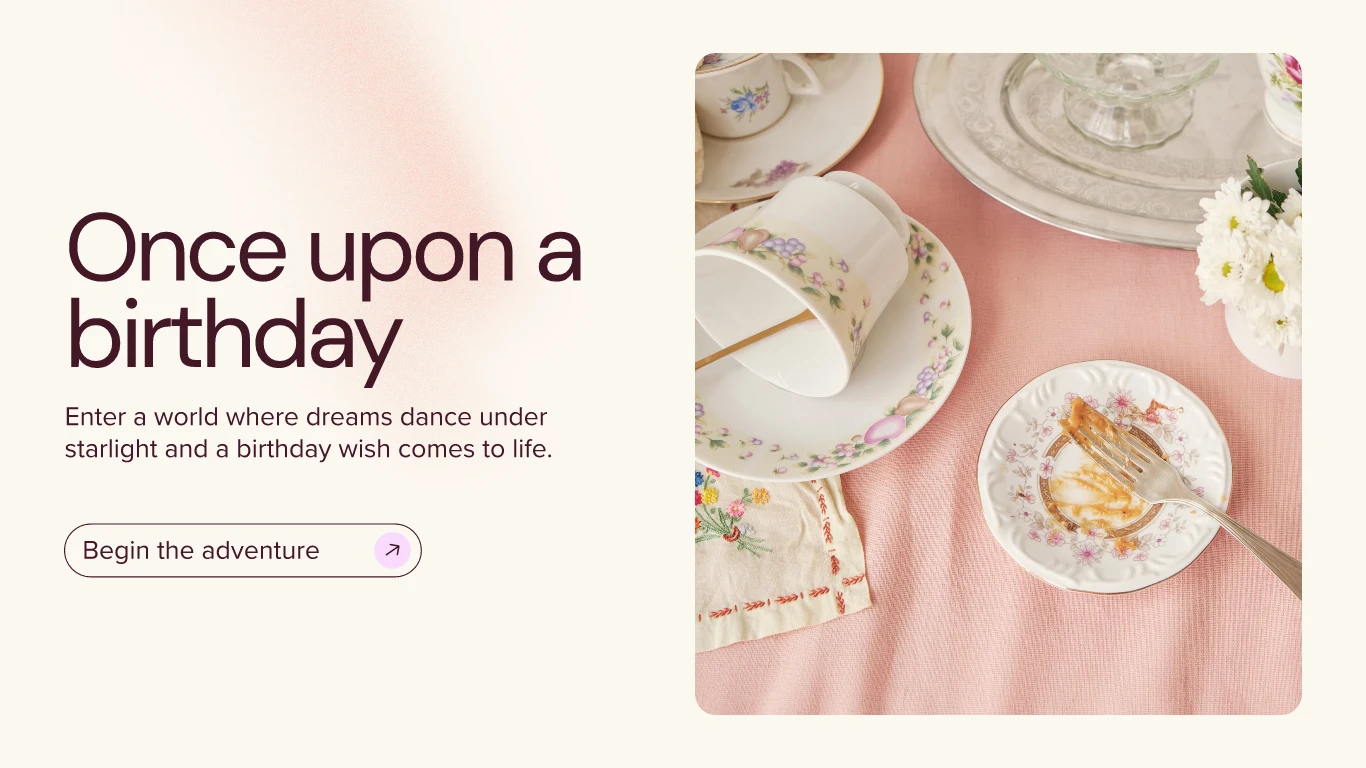
Explore the converted layers → Birthday Website in Light Pink Beige Maroon Clean & Soft Style — 1366 × 768 px Canva to PSD conversion. 11 layers, 3 editable text layers. Page 1.
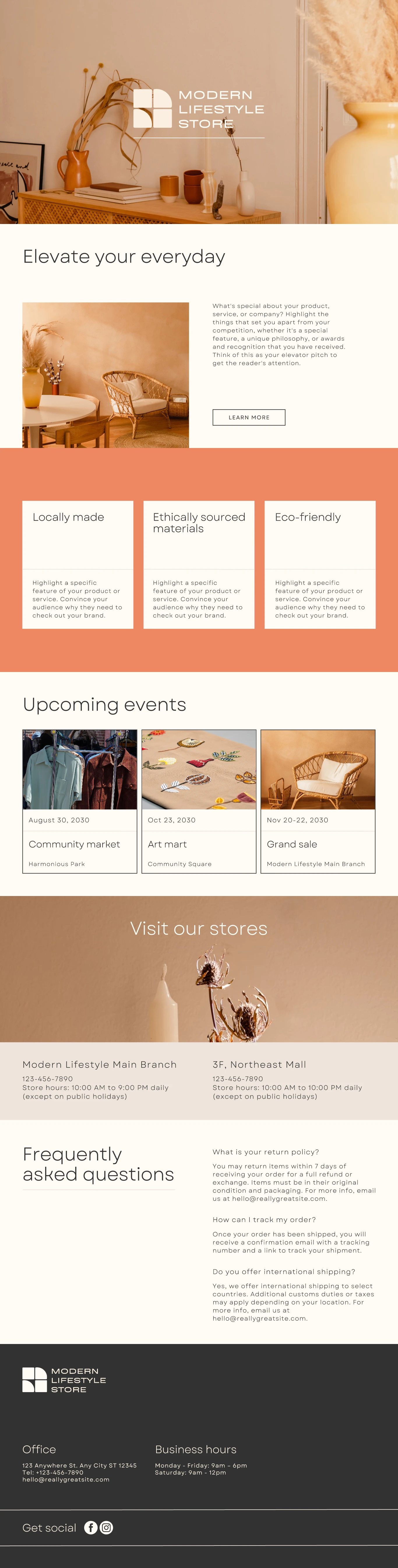
Explore the converted layers → Business Website — 1366 × 5376 px Canva to PSD conversion. 91 layers, 38 editable text layers. Page 1.
Explore the converted layers →