Send your design
In Canva Share, select Public view link and create the link. Copy it and submit it here. No email invitation is needed.
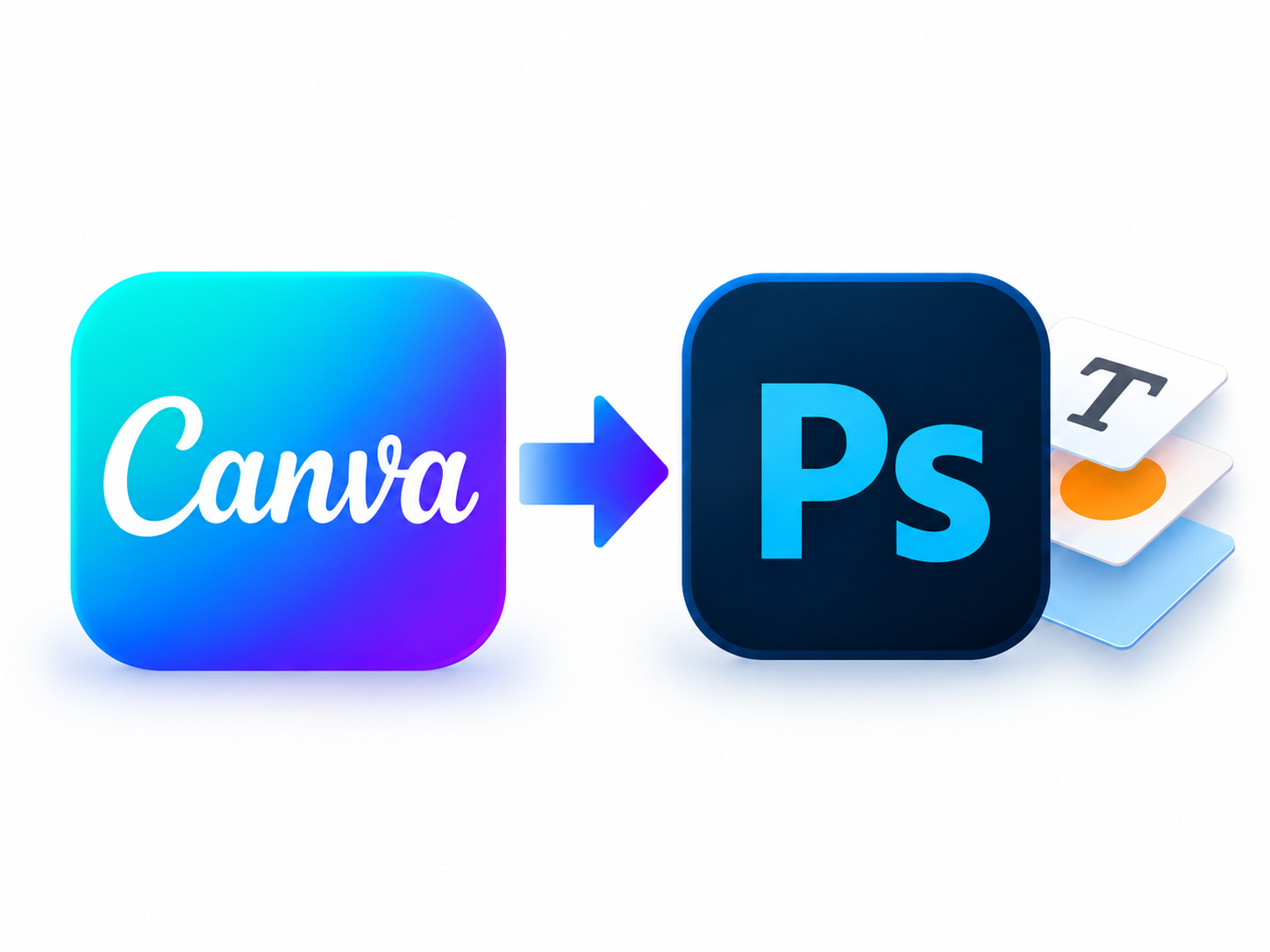
Convert selected Canva pages into layered Photoshop PSDs with editable text and separate image layers.
Convert now
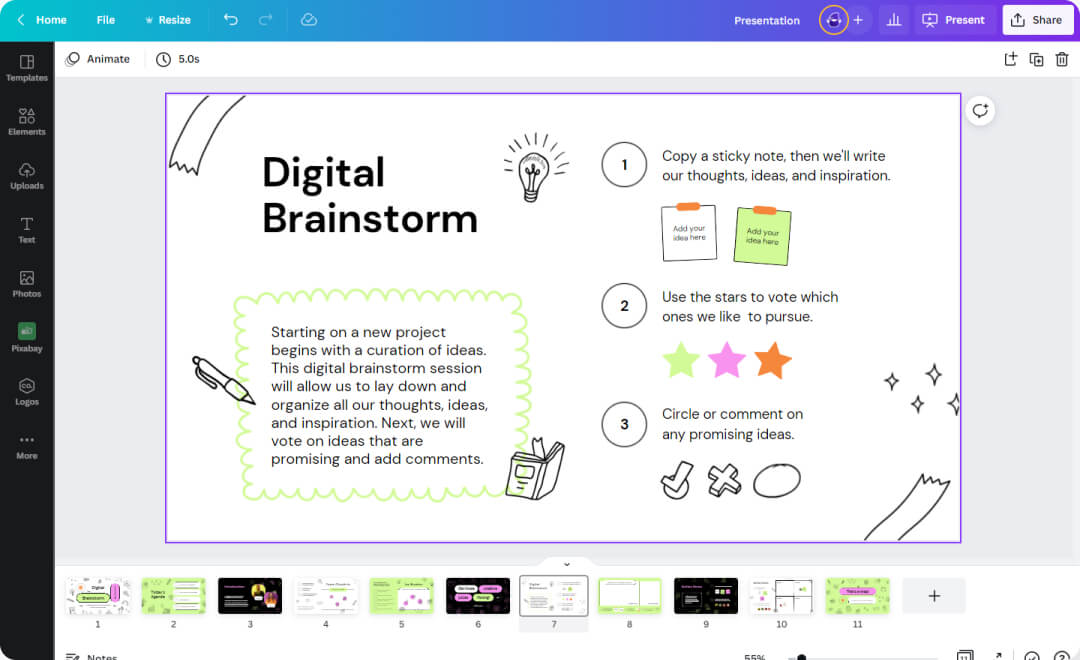
In Canva Share, select Public view link and create the link. Copy it and submit it here. No email invitation is needed.
US$9 per selected page, paid before conversion. Choose your pages and confirm the total before paying. We’ll email you when your files are ready.
After payment, conversion starts automatically. We’ll email a private link when your files are ready. Completed files need no additional payment.
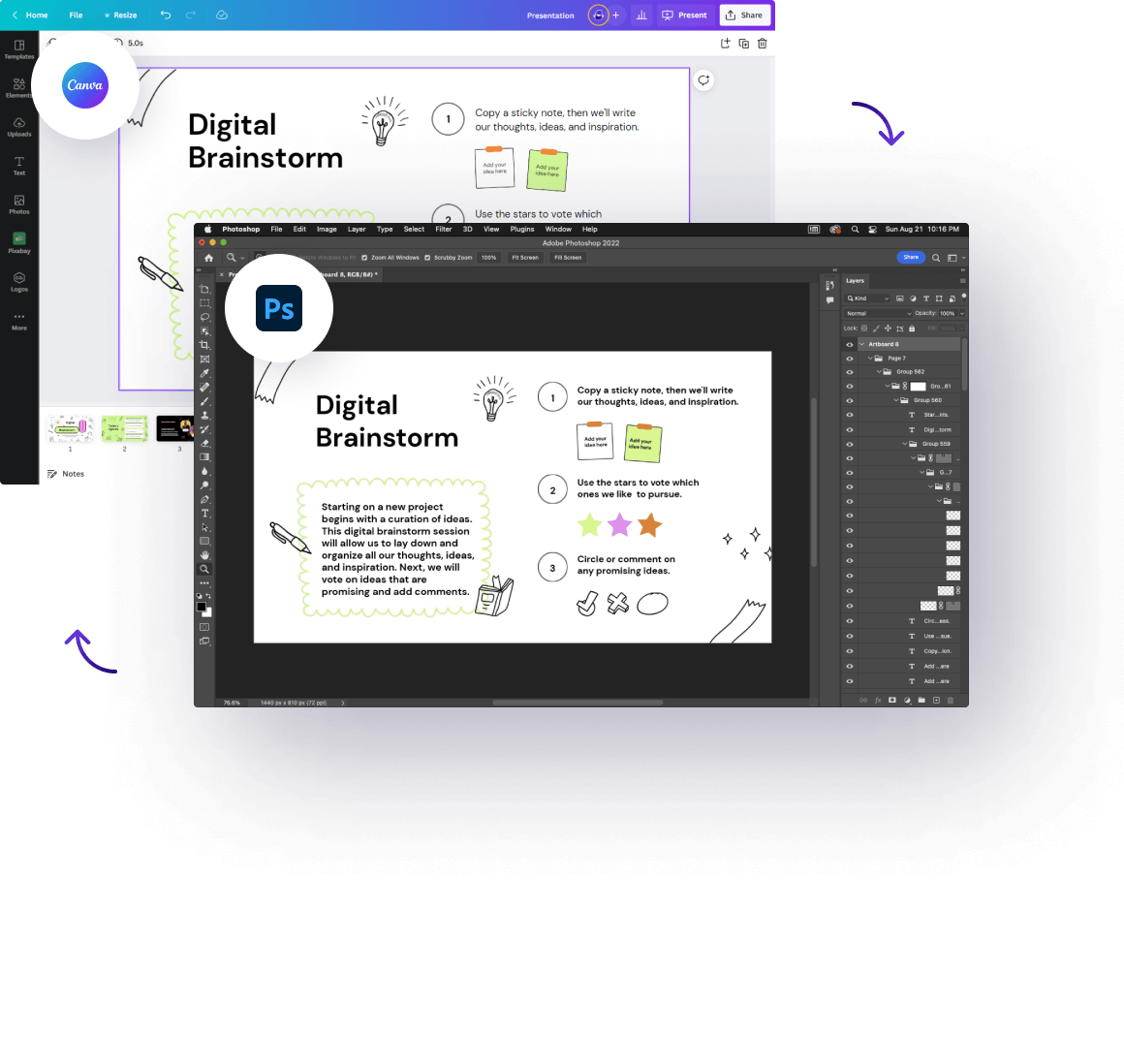
Share a Canva view link to get started. Your original design stays unchanged.
Keep your composition, text, and visual elements together as you move to your next creative tool.
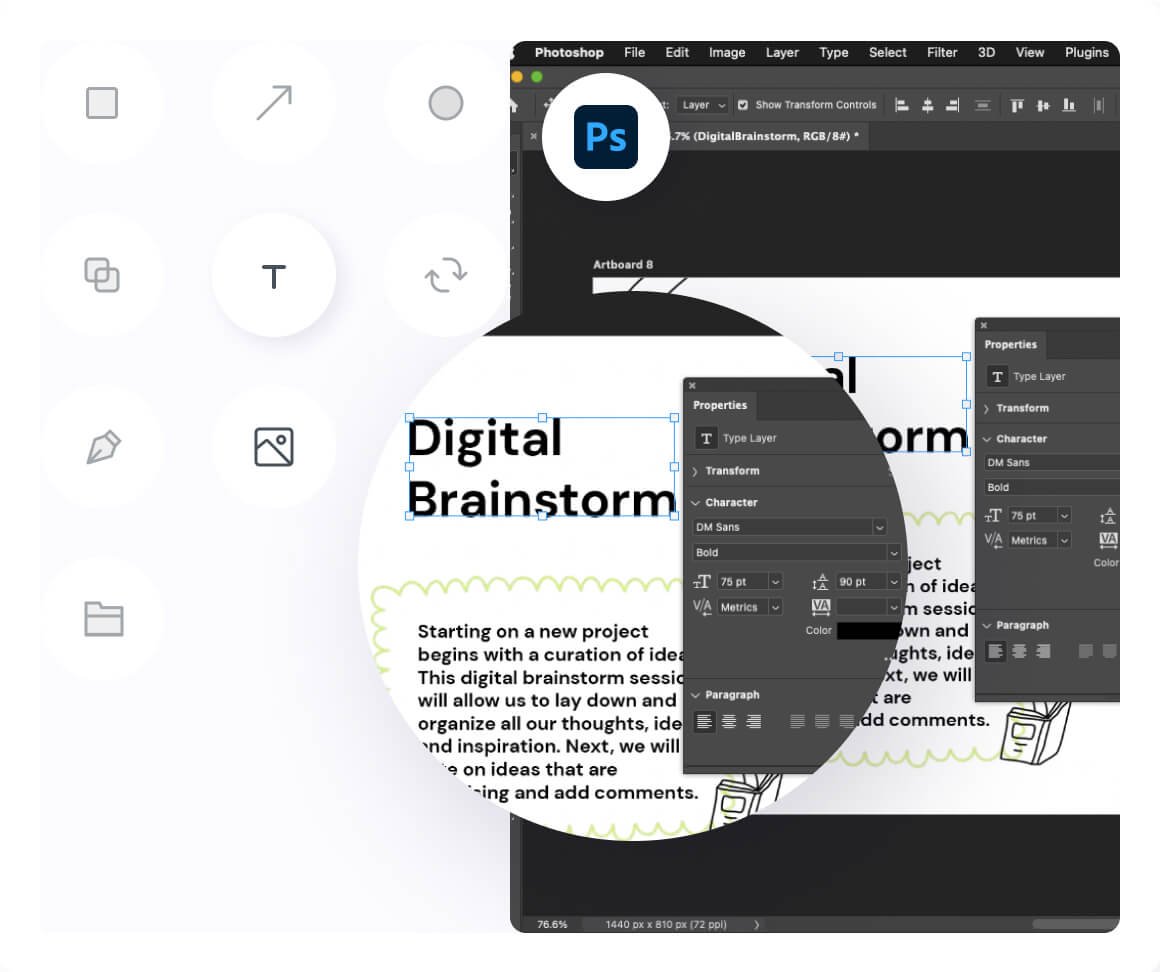
Change a headline, move an image, and keep making your design your own.
Move and replace artwork on separate image layers.
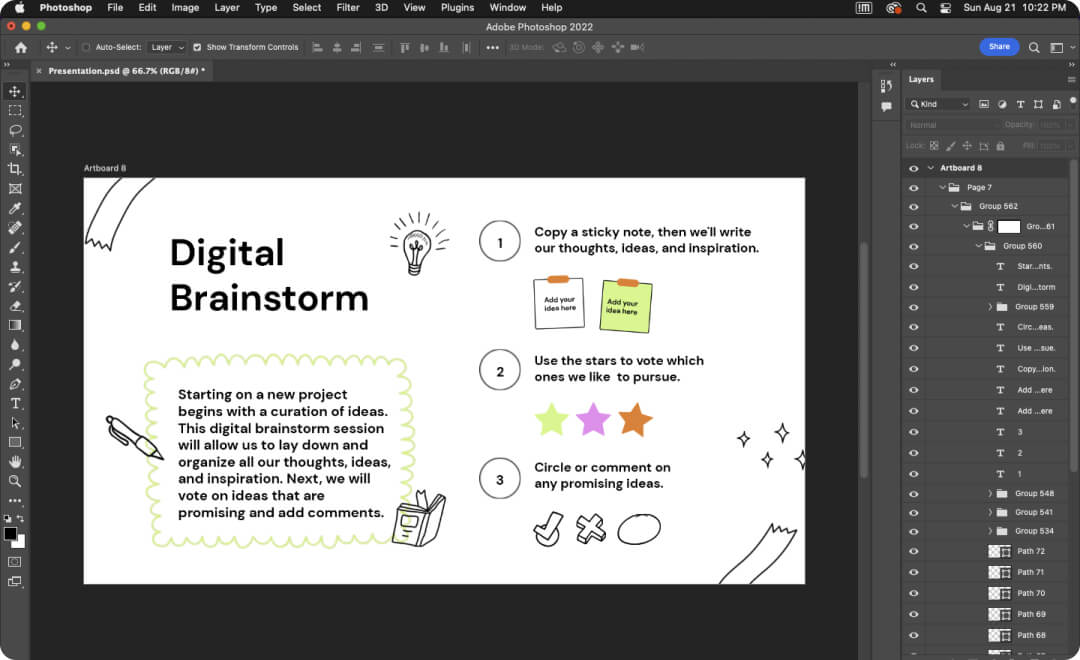
Find your text and images on separate layers, ready for your next edit in Photoshop.
Preview and download your completed PSD.
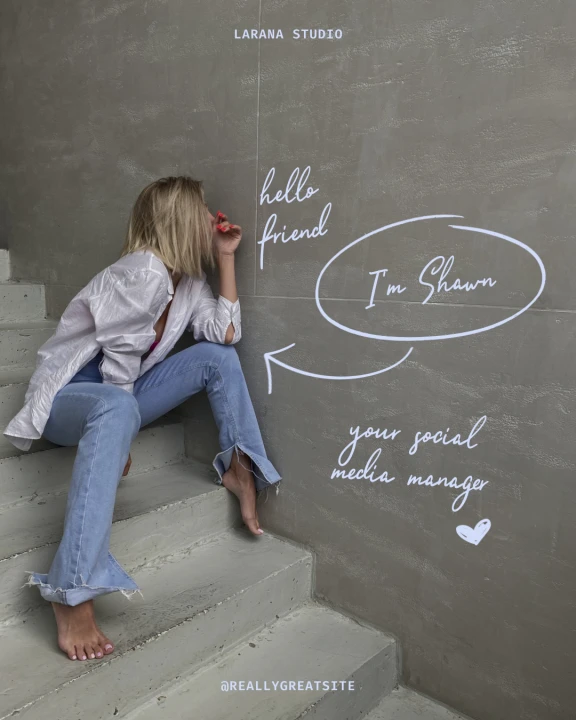
Social posts

Posters
Branding

Flyers

Websites

Presentations
Yes. Use the CanvaToPSD CLI and Skill with Codex, Claude Code, Cursor or another agent with terminal access. Give it a Canva public view link to convert, preview and download your PSD. You select pages and complete payment before conversion starts.
US$9 per selected page, paid before conversion. Completed files can be previewed and downloaded without another payment. No subscription.
In Share, select Public view link, create the link, then paste the copied link. Your original Canva design stays unchanged. We only need view access, not editing permission. Once conversion is complete, you can delete the public view link in Canva.
Canva does not offer PSD as a download format. Use CanvaToPSD to convert your design into a layered PSD for editing in Photoshop.
Supported text stays editable, and images are placed on separate layers so you can move or replace them.
Each Canva page becomes a static PSD.
After payment, download your layered PSD, available font files and font information from your private results page. If a download link expires, return to the same page to get a new one.
Your design data and converted files are stored privately and automatically deleted. We use them only to convert your design and deliver your files, never for any other purpose.